Press · Brand kit
Use these. Don't redraw the mark.
Everything below is freely downloadable for press, partner, and operator use. The mark, the lockup, the palette, and the boilerplate. If you need something not here, email admin@immersivecommons.com.
Marks
Four files cover almost every case.
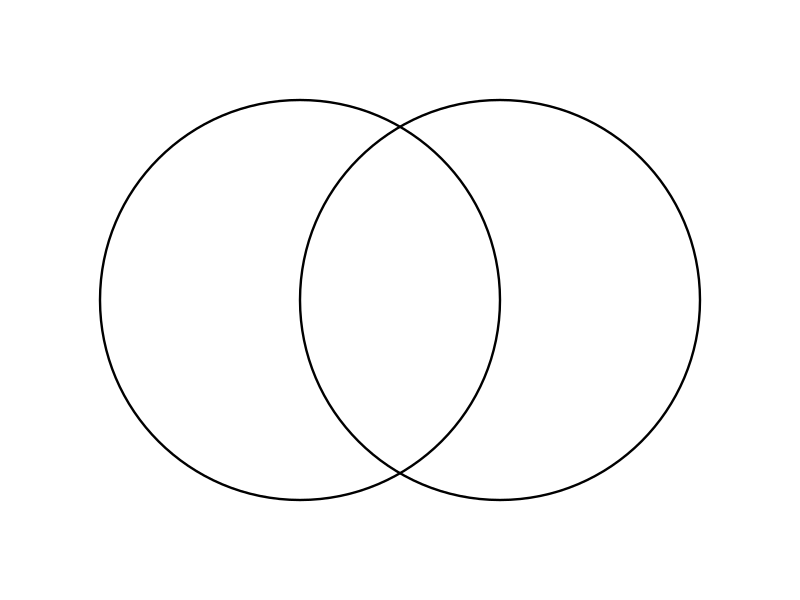
Monogram
Primary mark. Two intersecting circles. SVG, currentColor.
Download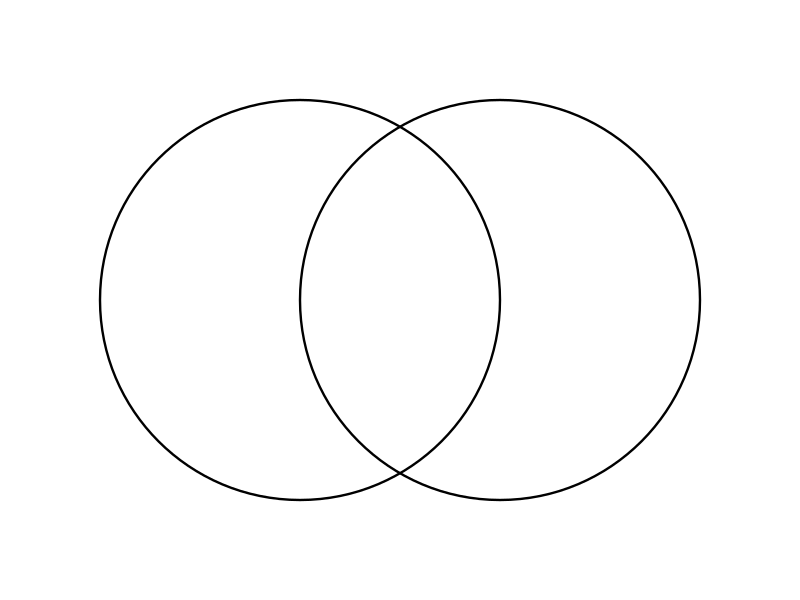
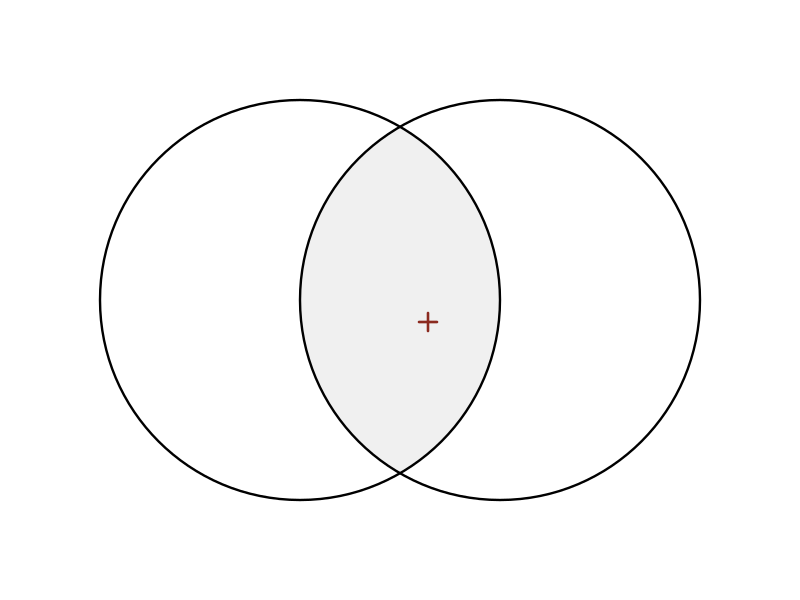
Pictorial
Hero mark with mandorla fill + oxide-red registration tick.
Download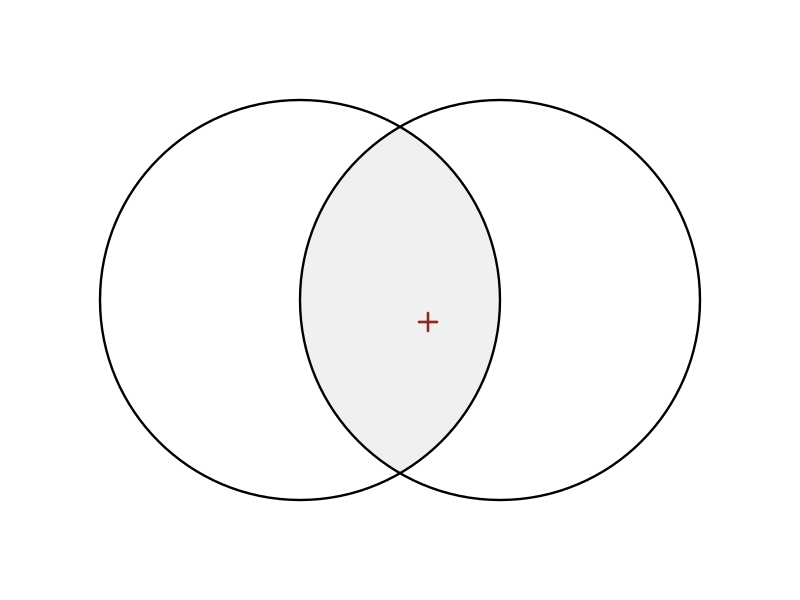
Horizontal lockup
Monogram + 'the COMMONS' wordmark + 'IMMERSIVE COMMONS · MMXXVI'.
Download

LinkedIn banner
Cathedral-mode banner (parchment + ink + oxide). 1584×396 PNG.
Download
Palette · kiosk
The board palette.
The dark palette that runs this site, the FT10 kiosk, and every digital surface.
--ink#0a0806Background (site + kiosk)--paper#f2ede3Body text on dark--amber#ffb83dAccent, CTAs, active nav--phosphor#a7ff57LIVE indicator pulse--rose#ff5c5cDiscord / urgent
Palette · cathedral
The letterhead palette.
Used on print, ceremonial surfaces, and the LinkedIn banner. Two non-colors plus one oxide red, in a single deliberate place.
parchment#F2EBDCBackground (letterhead, press)ink#15110DBody text on lightoxide#8B2A1FRegistration mark only — single secret
Boilerplate
One paragraph, drop in anywhere.
Immersive Commons is a members-run space on Floor 10 of Frontier Tower in San Francisco, pairing software agents with the physical world. Public kiosk at immersivecommons.com/floor10; weekly AI intelligence dispatch at immersivecommons.com/signal.
Contact
Press, partner, and integrator inquiries.
Email admin@immersivecommons.com. Mention the publication or partnership and we'll route to the right person on the floor.
Ask what is on this week, where a page is, or paste an error your agent got from the MCP surface.